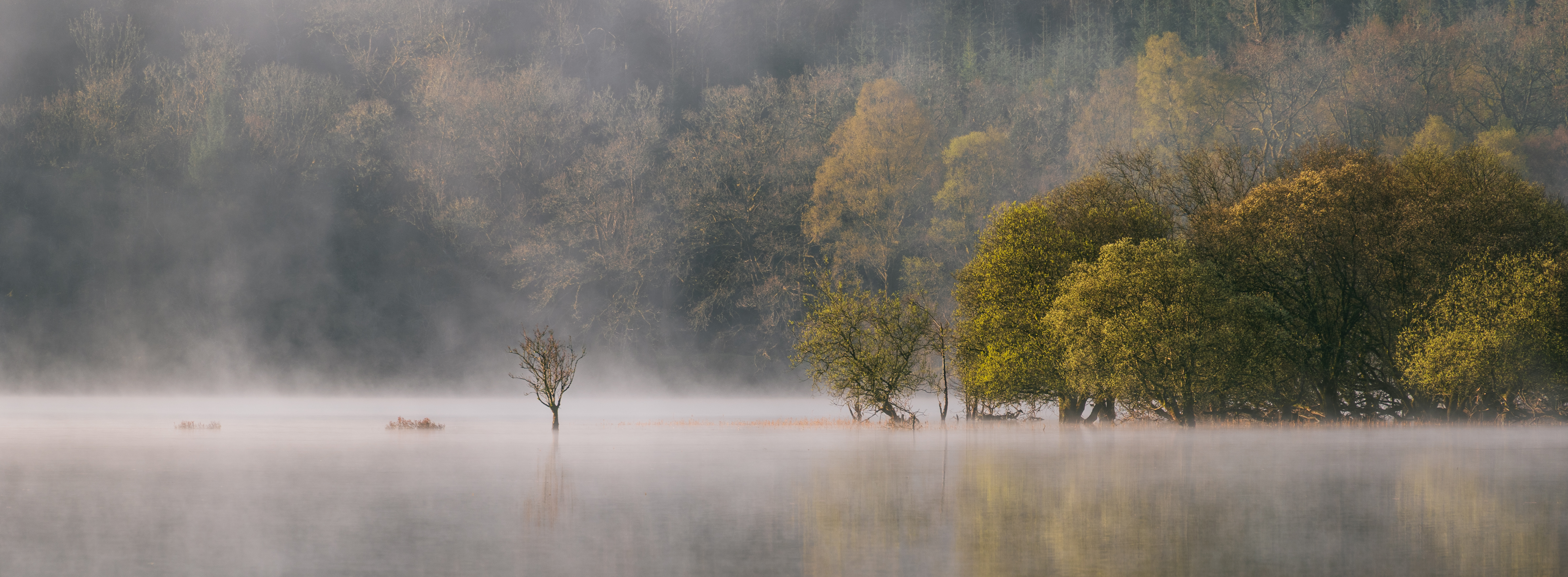
Free Download — Scottish Highlands
Two Free LightroomPresets
Inspired by the light and mood of the Scottish Highlands. Sign up to download.
Inspired by the light and mood of the Scottish Highlands. Sign up to download.
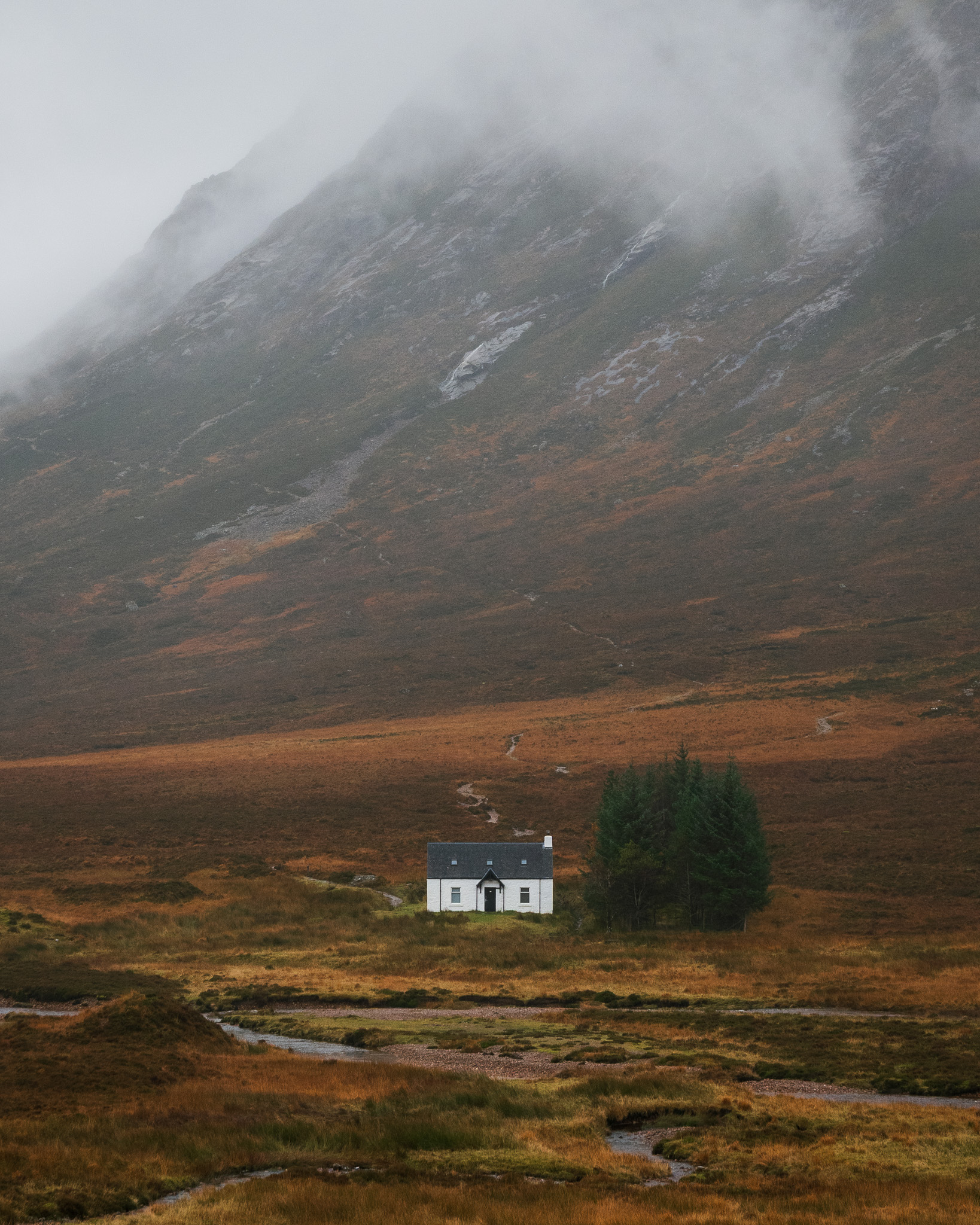
I've put together two Lightroom presets inspired by the Scottish Highlands — the place I'm drawn to and photograph most — designed to bring out both colour and depth in your RAW images.
Think of them as a foundation rather than a finished edit — every image is different, so you'll need to make small adjustments. They're free to download, and will work with RAW files from any camera brand.
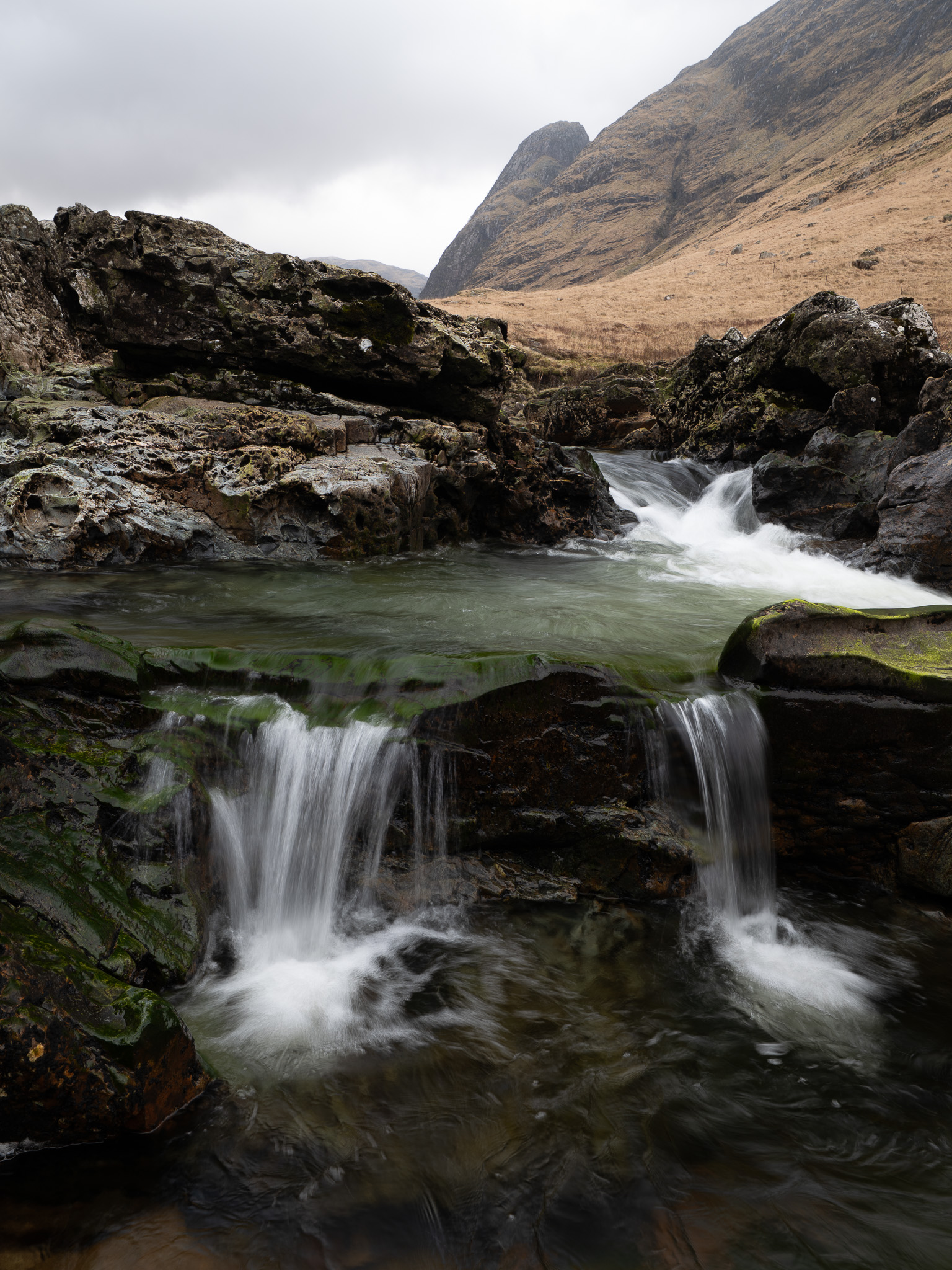
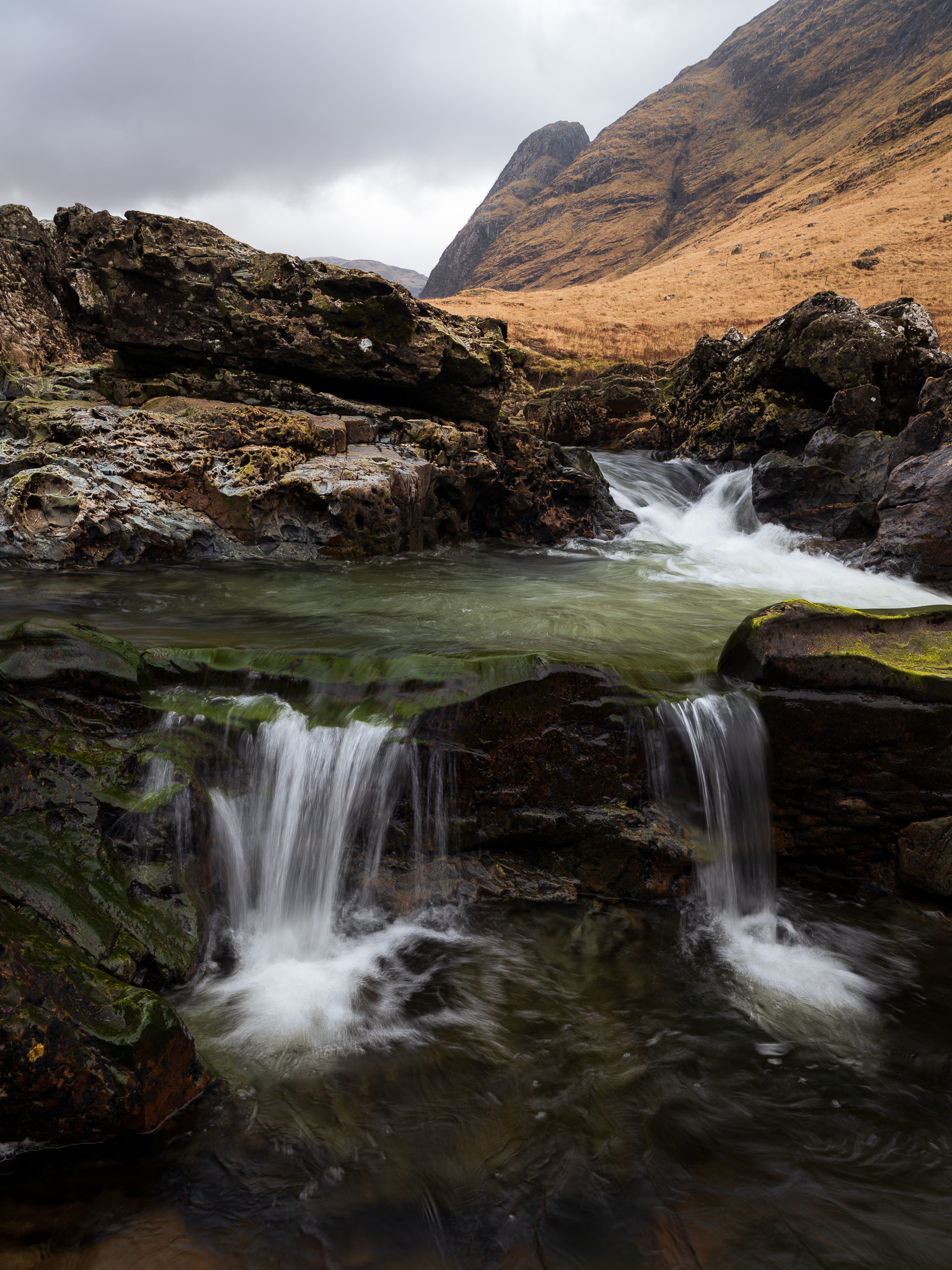
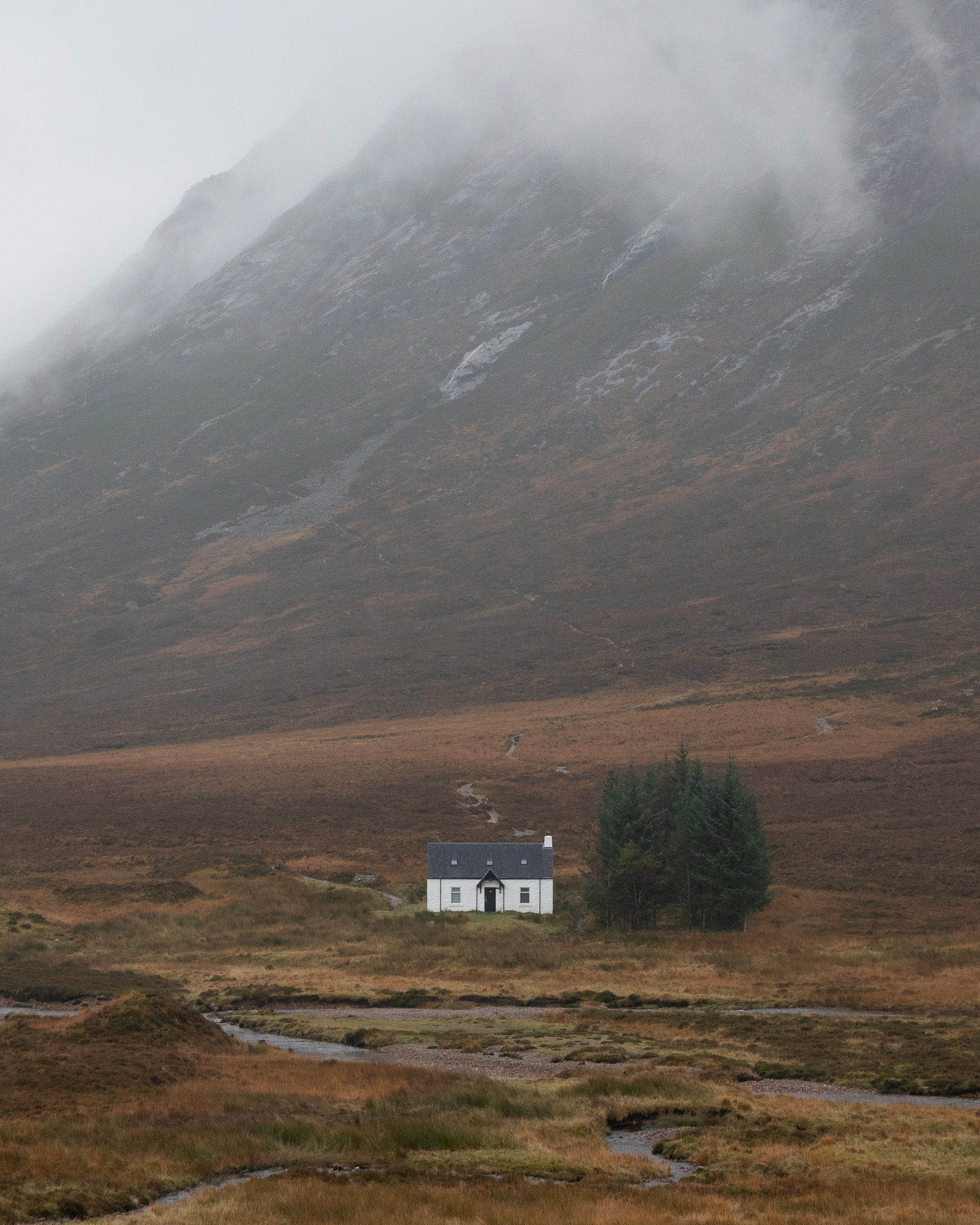
Enter your email below and you'll receive a download link straight to your inbox.
Open Lightroom and go to File. On Lightroom Classic select Import Develop Profiles and Presets, on Lightroom CC select Import Profiles and Presets. Select the downloaded XMP files.
Click the preset to apply it. Every RAW file is different — adjust light, colour and effects to taste from there.
Sign up to the newsletter and receive a download link straight to your inbox.